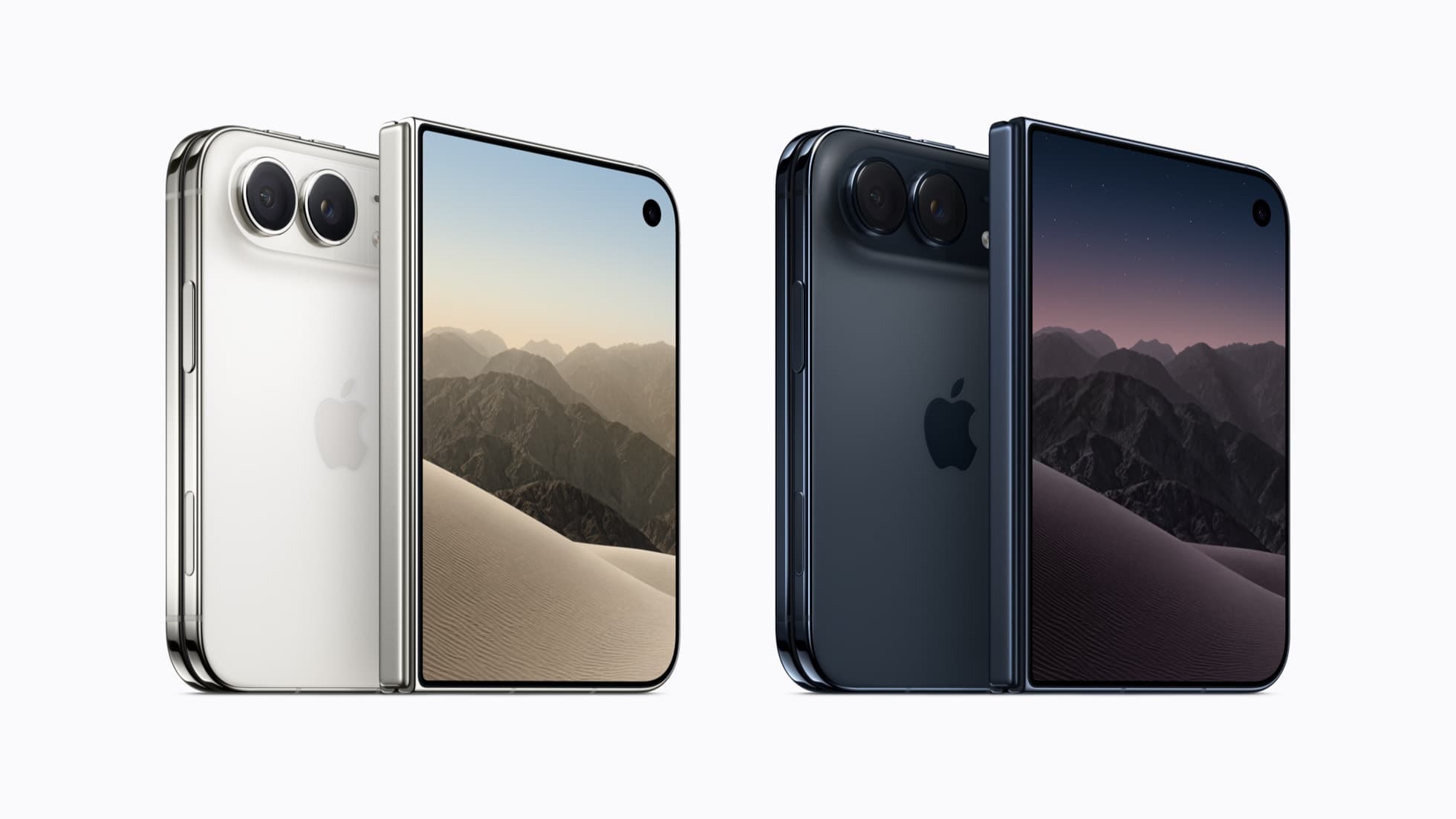
Google Maps version 26.44.4 now fills both displays of the iPhone Duo, according to MacRumors and AppleInsider. The update is on the App Store today, and Google’s release notes mention only bug fixes.
On the inner screen the map runs edge to edge. A search box sits at the top left, the Explore, You and Contribute tabs are stacked down a panel on the left, and the map controls are grouped on the right. The outer screen now fills entirely, a subtle change from the offset layout it replaces.
Street View opens by default on the left of the inner screen with the map beside it on the right. Neither outlet found an obvious way to swap the two panes, though Street View can be expanded to fill the display, comparable to Look Around in Apple Maps. Closing the Duo with Street View open moves it to the outer screen, where a close button returns to the map.
The previous release, 26.43.1, was only partly adapted: it left a vertical black border along the side of both displays. Older builds ran the regular iPhone app on the inner screen, which could be shifted left or right but left most of the panel empty. Google Maps joins a short list. Zoom and Microsoft’s Word, PowerPoint, Excel and OneNote were updated for the Duo earlier this week, and many apps that do fit adopt iPad-style layouts, as App Store screenshots showed before launch. Plenty of iOS apps still look wrong on the device.
Google has not documented the layout changes, so its release notes give no indication of what else changed in 26.44.4.